How to Scan a Barcode From a Screenshot, Camera, or Product Photo
 Barcodes Pro,
2026-05-24
5 min read
Barcodes Pro,
2026-05-24
5 min read
Most barcode problems do not start at checkout.
They start earlier, when someone approves a packaging proof too fast, uploads the wrong marketplace image, prints a label without testing it, or trusts a supplier photo without checking what the code actually says.
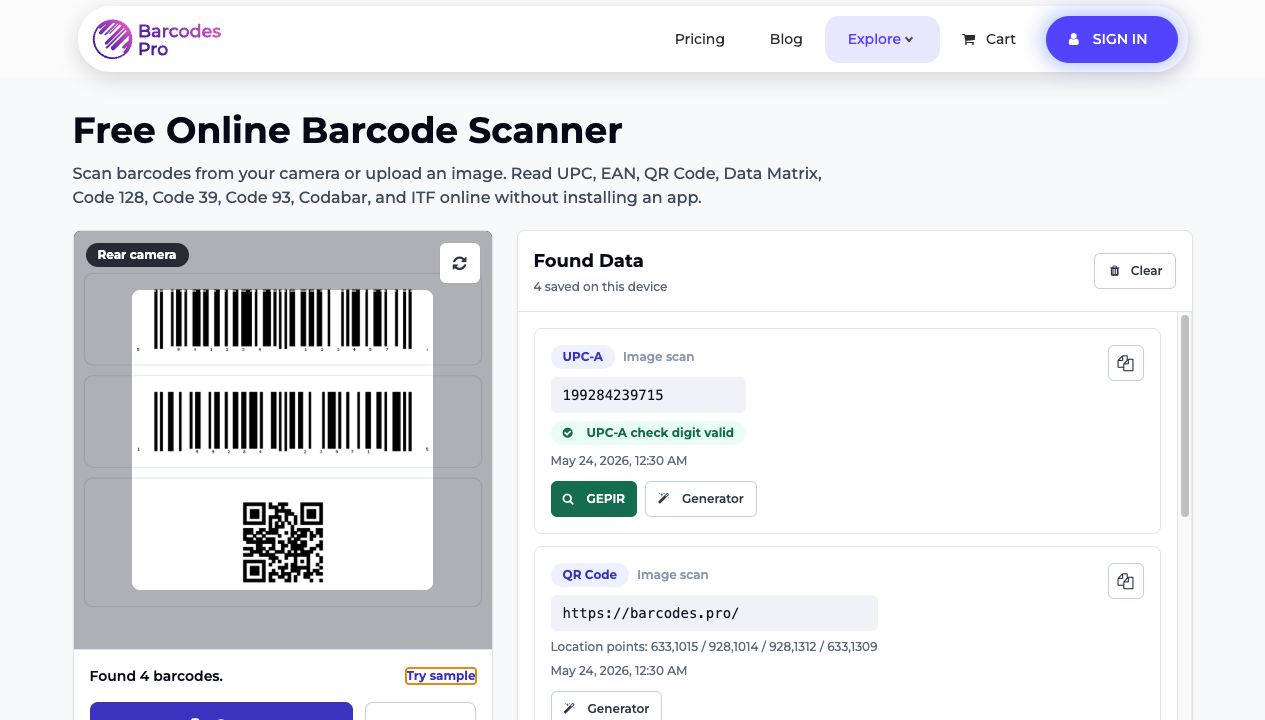
That is exactly why we built Barcodes.pro's free online barcode scanner. It lets you scan a barcode from a camera, screenshot, or product photo in seconds, without installing an app or switching devices just to get a simple answer.
If the code is in front of you, use your camera. If it is sitting in a saved image, label proof, carton photo, or listing screenshot, upload the file and read it online. The scanner supports UPC-A, UPC-E, EAN-13, EAN-8, QR Code, Data Matrix, Code 128, Code 39, Code 93, Codabar, and ITF.
The real value is not “we can scan a barcode.” Plenty of tools can claim that. The real value is speed, clarity, and what you can do next after the scan.
Why this matters if you sell, print, or verify products
A barcode mistake can slow down a launch, create listing confusion, waste a print run, or send the wrong product data into the next step of your workflow.
That is why this feature is useful for sellers, operations teams, designers, warehouse staff, and anyone who has to answer one of these questions quickly:
Does this UPC or EAN actually scan before I print or upload it?
What barcode is visible in this screenshot or supplier photo?
Can I verify the number before I move into listing, packaging, or fulfillment work?
Can I scan multiple codes from one sample sheet without juggling extra tools?
That is the positioning advantage here. This is not just a generic scanner. It is a quick checkpoint inside a broader barcode workflow.
What the scanner does
The simplest explanation is this: the scanner helps you read barcodes from the kinds of images people already use every day.
Use your phone camera for live scanning when the barcode is physically in front of you.
Upload a screenshot, label proof, carton photo, or saved product image when you are not scanning live.
Keep scan history on your own device so you can re-check results without starting over.
Read more than one barcode from a single image, which is useful for sample sheets and side-by-side checks.
Move from the scan into GEPIR for verification or Generator for barcode artwork when you need the next step fast.
That last part is where the feature becomes more useful than a one-off scanner app. Instead of getting a decoded value and then starting over somewhere else, you stay inside the same workflow.
How to use the scanner in under a minute
The workflow is simple.
Open the barcode scanner on your phone or desktop browser.
Choose Scan if the barcode is in front of you, or Upload if the barcode is already in a screenshot or saved image.
Let the page read the code and list the result inside the Found Data panel.
Review the barcode format, value, and quick actions so you can verify the code or generate artwork from it right away.
Keep the local history for quick re-checking, or clear it when you are done.
Fast in. Clear answer out.
That is what makes this useful before a barcode goes live on a label, package, carton, or marketplace image.
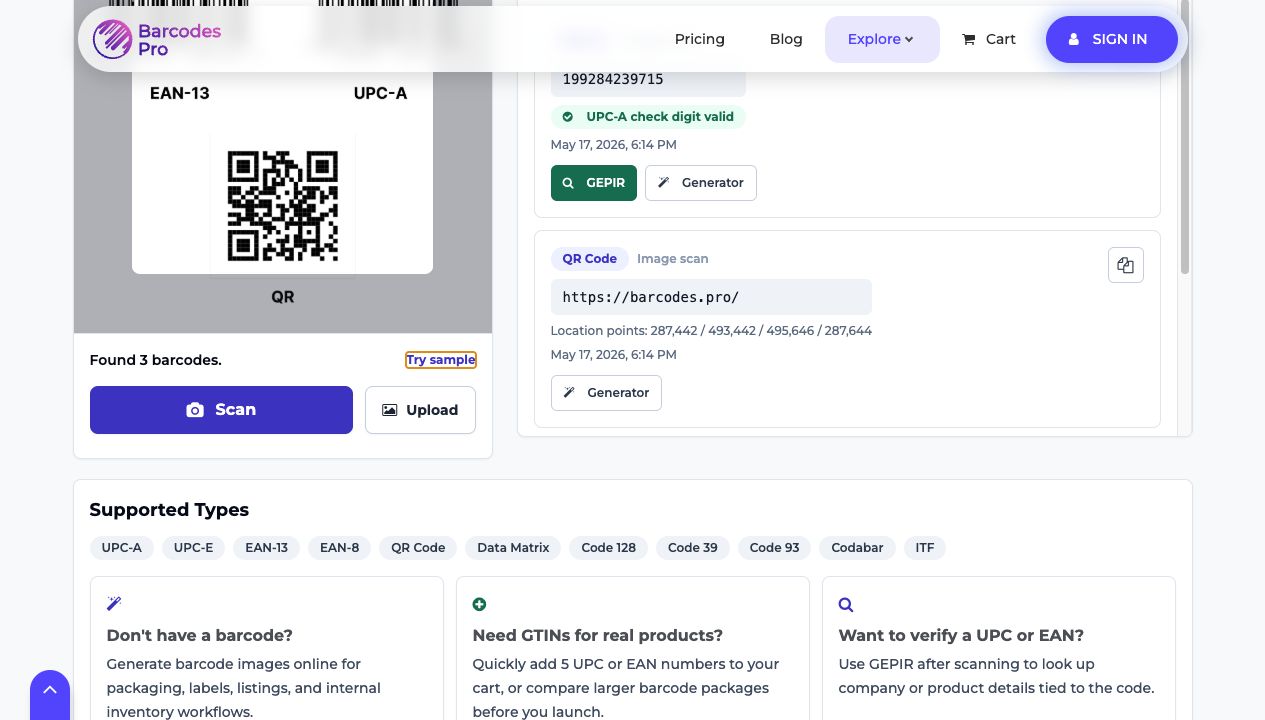
One image in, multiple results out. That is exactly the kind of quick proofing step that helps catch barcode issues before you print, list, or ship.
Where this is useful in real life
This is where the scanner stops being a neat feature and starts acting like a practical operations tool.
Pre-print label checks: Upload a proof before sending packaging to print and catch barcode issues early.
Marketplace image reviews: Scan a screenshot from Amazon, Shopify, Walmart, or a supplier listing to confirm the visible code.
Warehouse and receiving workflows: Read a carton photo, sample sheet, or internal label image without leaving the browser.
Multi-code validation: Compare several barcodes in one pass when you are checking a sample sheet or mixed asset set.
Quick verification loops: Scan first, then open GEPIR if you need company or product lookup next.
If you work with listings, packaging, proofs, or inventory images, that speed adds up. You spend less time guessing, less time switching tools, and less time cleaning up preventable barcode mistakes later.
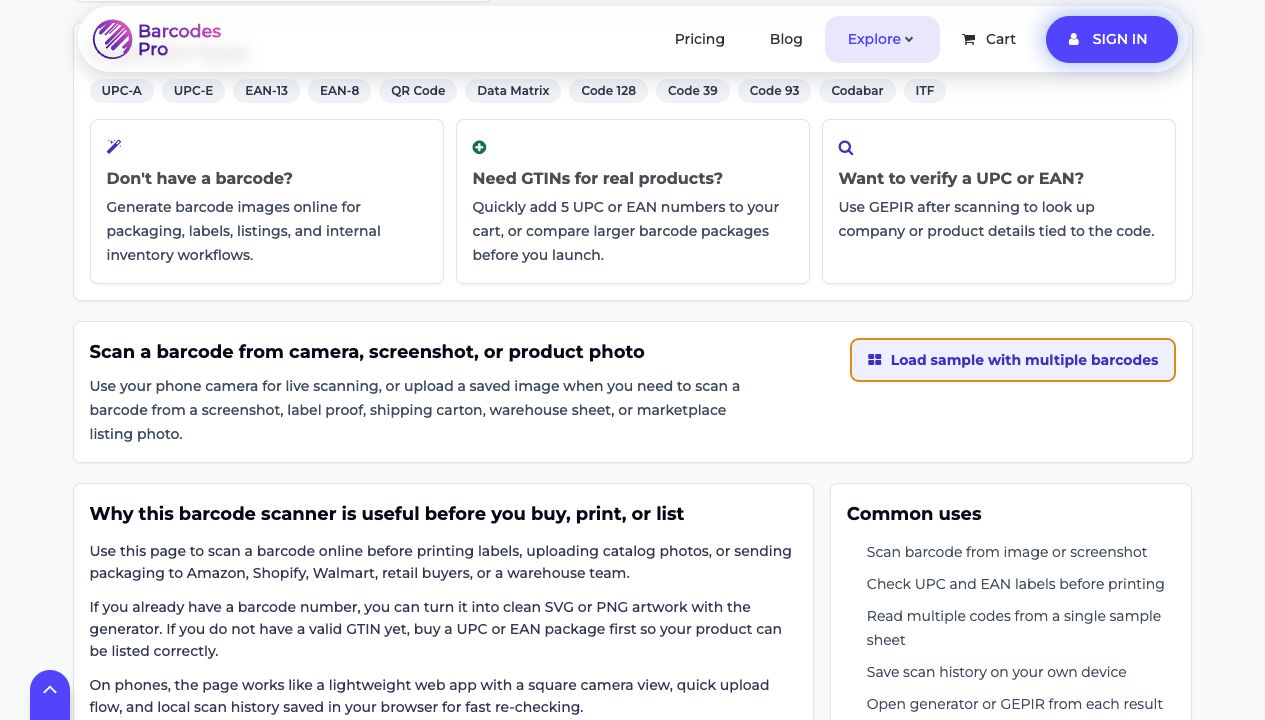
The scanner is useful on its own, but it becomes more valuable when it leads directly into verification, barcode artwork, or the next product-data step.
Why this scanner is different from a generic barcode app
Most scanners stop at the scan.
This one is built to help you do something with the result.
If you need to verify a UPC or EAN, you can move into GEPIR. If you already have a valid barcode number and need clean artwork, you can move into Generator. If you do not have valid GTINs yet, you can compare barcode packages on Barcodes.pro instead of piecing together the workflow across multiple sites.
That makes the scanner stronger as a marketing product too. It solves an immediate job while naturally leading people into verification, generation, and purchase intent when those needs exist.
Choose the right next step
If your goal is to move fast, here is the simplest path:
Need to read a barcode now? Open Scanner.
Need to verify who a UPC or EAN belongs to? Open GEPIR.
Need barcode artwork from a number you already have? Open Generator.
Need valid GTINs for a real product launch? Compare packs on Buy Barcodes.
Final word
The best barcode tools reduce hesitation.
This one helps you check a code from a camera, screenshot, or product photo, get a fast answer, and move into the next step without friction.
Try it here: Barcodes.pro Scanner.